

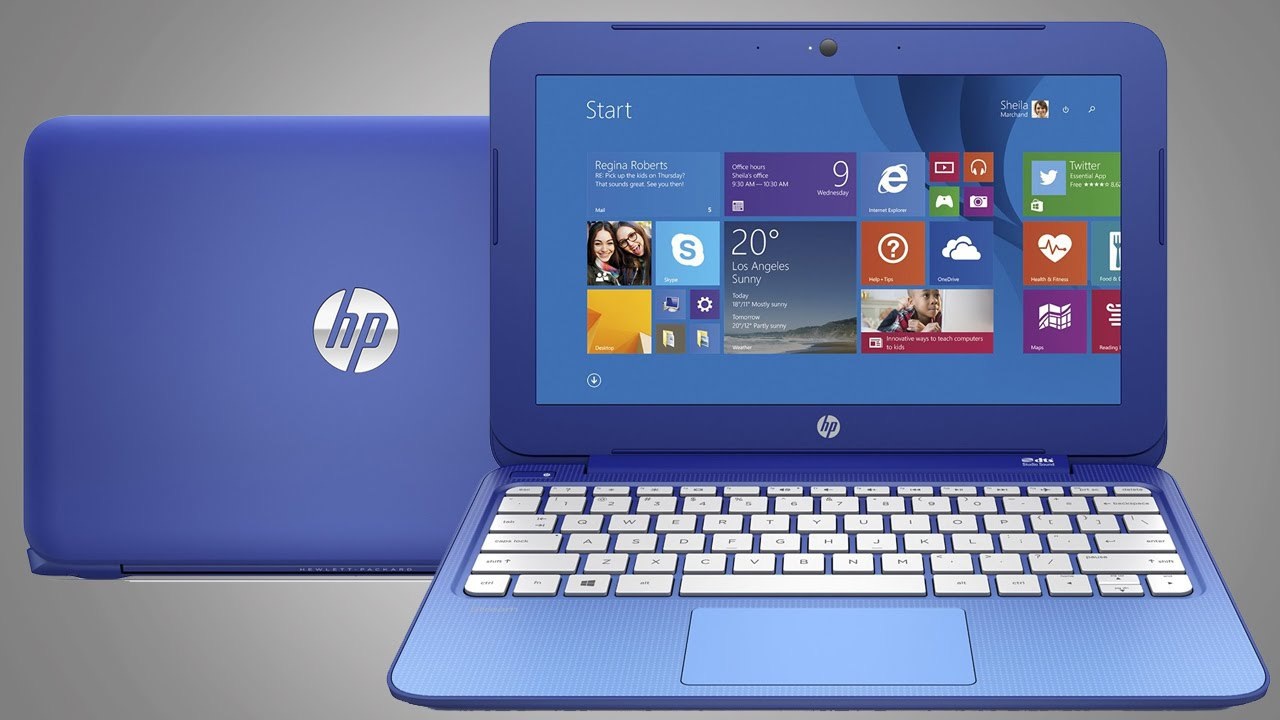
Common Errors in HP Laptops
HP Laptop Not Powering On
Laptop does not start even after pressing the power button.
Black Screen Issue
Laptop turns on but the screen remains blank or black.
HP Laptop Slow Performance
System becomes very slow due to software issues, hard disk problems, or low memory.
Overheating Problem
Laptop heats excessively due to dust in the fan, thermal paste issues, or heavy usage.
Battery Not Charging
Battery not charging or draining very quickly.
HP Laptop Automatic Restart / Shutdown
Laptop restarts or shuts down automatically during use.
Wi-Fi or Network Connectivity Issues
Laptop unable to connect to Wi-Fi or frequently disconnects.
Keyboard Not Working
Some or all keys stop responding.
Touchpad Not Responding
Cursor does not move or touchpad stops working.
Blue Screen Error (BSOD)
Windows crashes and shows a blue screen with error codes.
Hard Disk Failure / Boot Device Not Found
System displays “Boot Device Not Found” or fails to load the operating system.
Display Flickering or Screen Lines
Screen flickers or shows horizontal/vertical lines.
USB Ports Not Working
External devices like pen drives or mouse are not detected.
Sound / Audio Not Working
Laptop speakers or headphone output stops working.
HP BIOS Error or BIOS Corruption
Laptop shows BIOS recovery messages or fails to start properly.
📞 Call Now : +91 8527118177
☎ Landline : 0120-4358550
💬 WhatsApp : 9899772714
Service Center Address
Apex Systems, Shop No-C44
Near Kamakshi Jeweller & Sagar Ratna Restaurant
Gulmohar Commercial Complex (Gulmohar Market)
Behind Alka Cinema, Captain Vijyant Thapar Marg
Near Sector-15 Indian Oil Petrol Pump
Nearest Metro Station: Sector-15 Noida (Exit Gate-04)
Noida, Uttar Pradesh – 201301
⏰ Working Hours: 10:00 AM – 7:00 PM (Seven Days Working)